BIGIN BY ZOHO: A COMPREHENSIVE GUIDE FOR SAAS PROFESSIONALS
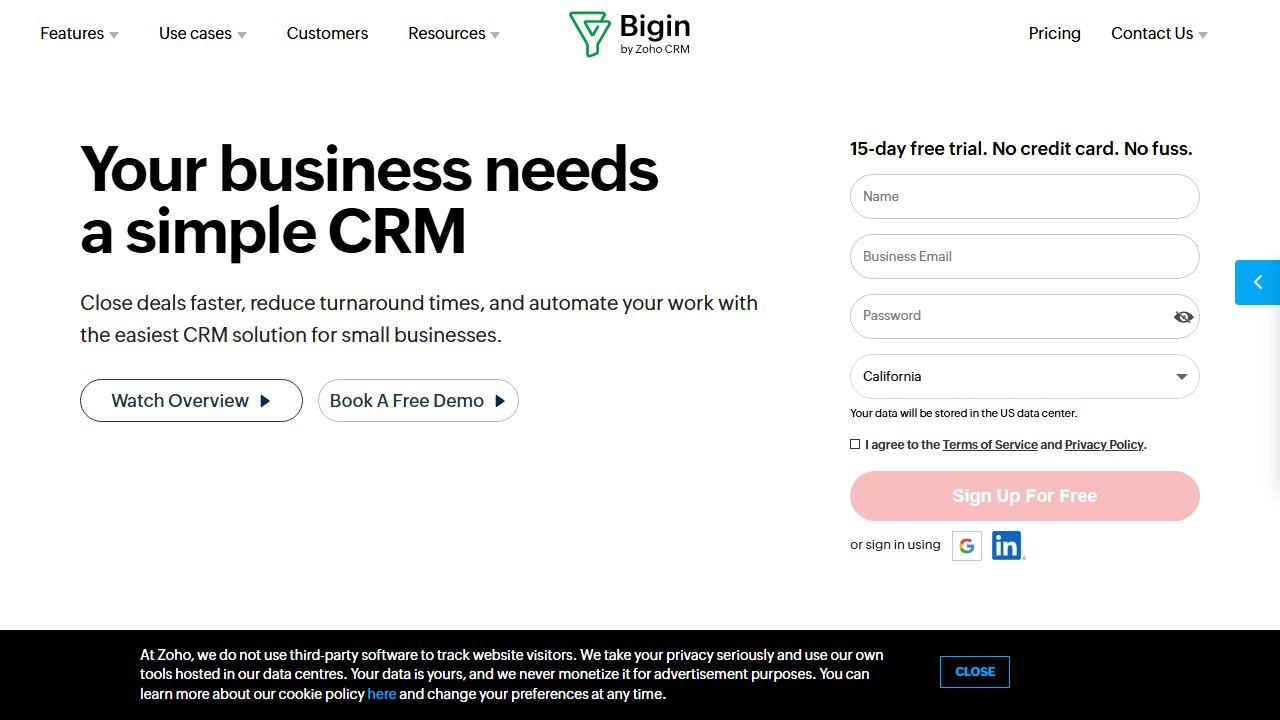
★What is Bigin by Zoho?
In my fifteen years of navigating the CRM landscape, I’ve seen a recurring tragedy: small business owners buying "Enterprise-grade" software that ends up being nothing more than an expensive, glorified spreadsheet they don't know how to use. This is where Bigin by Zoho enters the fray.
Bigin isn’t just a "lite" version of Zoho CRM; it is a purpose-built, pipeline-centric CRM designed specifically for small businesses and micro-teams who need to move away from chaotic manual tracking. It bridges the gap between the simplicity of a Trello board and the data integrity of a robust database. If you are a freelancer, a small agency, or a startup founder who feels overwhelmed by the complexity of Salesforce or even the standard Zoho CRM, Bigin is designed to get you organized in minutes, not months. It focuses on the "pipeline" as the core unit of work, ensuring that no lead falls through the cracks while keeping the user interface remarkably clean.
★Key Features and Capabilities
One of the reasons I respect Bigin is that it doesn’t try to be everything to everyone. It focuses on several core pillars that actually move the needle for a small sales team.
1. Multi-Pipeline Management: Most entry-level CRMs force you into a single linear workflow. In reality, a business might have a "New Sales" pipeline, a "Post-Sale Onboarding" pipeline, and perhaps a "Ticket Support" pipeline. Bigin allows you to create multiple distinct pipelines with customized stages. For example, your Sales pipeline might go from Discovery to Proposal, while your Onboarding pipeline moves from Kickoff to Training.
2. Built-in Telephony and Email Integration: Context switching is the ultimate productivity killer. Bigin integrates directly with over 85 telephony providers (and Zoho’s own PhoneBridge). You can click-to-dial a prospect directly from their contact record, and the system automatically logs the call duration and allows you to add notes instantly. Similarly, the two-way email sync ensures that every conversation—whether sent from Bigin or your Gmail/Outlook—is visible to the entire team in the activity timeline.
3. Team Pipelines and Sub-pipelines: This is a relatively new addition that sets Bigin apart. You can now create "Team Pipelines" to manage operations beyond just sales. If you have a small customer success team, they can have their own dedicated workspace within the same environment. This prevents "data silos" where the sales team doesn't know what the support team is doing.
4. Advanced Automation (Workflows): I often tell my clients that if you have to do it twice, you should automate it. Bigin’s workflow rules allow you to trigger actions based on specific events. For instance, when a deal moves to the "Closed Won" stage, Bigin can automatically send a templated welcome email to the client and create a task for your account manager to schedule a kickoff call.
5. Mobile-First Experience: Unlike many SaaS tools where the mobile app feels like an afterthought, Bigin’s mobile interface is top-tier. It includes features like "Near Me" (using GPS to find clients nearby for field sales) and a business card scanner that uses OCR to turn a physical card into a digital lead in seconds.
★Getting Started
Setting up a CRM shouldn't require a consultant. Here is how I recommend you stand up Bigin in an afternoon:
- Define Your Stages: Before touching the software, map out your sales process on paper. What are the 5-7 non-negotiable steps a lead takes to become a customer?
- Import Your Data: Use the "De-duplication" tool during the import process. Bigin allows you to map CSV headers to custom fields effortlessly. Don't bring in junk data; clean it in Excel first.
- Sync Your Inbox: Navigate to Settings > Channels > Email. Connect your IMAP/SMTP or Office 365 account. This ensures your historical conversations populate immediately.
- Customize Your View: Use the "Canvas" builder or simple field customization to remove any fields you don't need. If you don't track "Fax Numbers," hide that field. A clean UI leads to higher team adoption.
- Install the Mobile App: This is non-negotiable. Real-time notifications for new leads are the difference between winning and losing a deal in today’s "speed-to-lead" economy.
★Real-World Use Cases
Scenario A: The Boutique Creative Agency Imagine an agency managing 20 active leads and 10 ongoing projects. They use one pipeline for "Inbound Inquiry" to "Contract Signed." Once signed, the deal is automatically moved to a "Project Delivery" pipeline. This allows the creative director to see exactly which projects are in the "Design Phase" versus "Final Review" without ever leaving the CRM.
Scenario B: The Real Estate Professional A realtor uses Bigin to manage their listings. Each listing is a "Deal." They use the built-in telephony to follow up with buyer leads directly from the mobile app while on-site at a property. The "Automated Reminders" feature ensures they follow up with every lead 24 hours after an open house, a task that usually gets lost in the shuffle.
Scenario C: SaaS Startup Seed Stage A founder uses Bigin for investor relations. The "Deals" are actually "Potential Investors," and the stages are "Initial Outreach," "Pitch Deck Sent," "Due Diligence," and "Term Sheet." The simplicity of Bigin allows the founder to spend more time pitching and less time managing a complex CRM.
★Pros and Cons
Advantages:
- Ease of Use: It is arguably the most intuitive CRM in the Zoho ecosystem. The learning curve is measured in hours, not weeks.
- Value for Money: You get features like workflow automation and telephony integration at a price point that is significantly lower than competitors.
- Ecosystem Integration: If you eventually outgrow Bigin, the migration to the full Zoho CRM is a one-click process. It also plays perfectly with Zoho Books and Zoho Desk.
- Customization: For a "small" CRM, the ability to add custom fields and modify stages is surprisingly deep.
Limitations:
- Reporting Constraints: While the dashboards are good, they lack the "BI-level" depth found in Zoho Analytics or more expensive platforms.
- Lead Scoring: It lacks the advanced AI-driven lead scoring (Zia) found in the higher tiers of Zoho CRM.
- Marketing Automation: It is a sales tool first. You’ll need to integrate with Zoho Campaigns or Mailchimp for heavy-duty email marketing.
★How It Compares to Alternatives
When comparing Bigin to its peers, the most obvious rival is Pipedrive (pipedrive.com). Pipedrive is excellent but can get expensive quickly as you add seats. Bigin offers a comparable pipeline experience at a fraction of the cost.
Another competitor is HubSpot Starter (hubspot.com). While HubSpot has a "free" tier, you hit a "feature wall" very quickly where the price jumps to hundreds of dollars a month. Bigin provides a more predictable and affordable scaling path. Finally, against Monday.com (monday.com), Bigin wins on dedicated CRM functionality (like email syncing and telephony), whereas Monday is more of a generalist project management tool.
★Pricing and Value
Bigin’s pricing is its "secret weapon." They offer a Free Edition for single users with basic needs. The Express Plan (approx. $7/user/month) and the Premier Plan (approx. $12/user/month) are incredibly aggressive. For the price of a couple of lattes, you get a centralized command center for your business. The value proposition is clear: it provides 80% of the power of an enterprise CRM for about 10% of the cost.
★Final Verdict
If you are a small team of 1 to 10 people and you are currently using a spreadsheet or a messy inbox to track your sales, you should stop reading and sign up for Bigin by Zoho immediately. It is the best "first CRM" on the market today. It doesn't suffer from the "feature bloat" that plagues most SaaS tools, yet it offers enough automation to let you scale. It’s practical, it’s affordable, and most importantly, it’s "Not Slop."
✨ END OF BROADCAST ✨
🚀 READY TO EXPERIENCE THE FUTURE?
VISIT BIGIN BY ZOHO →